
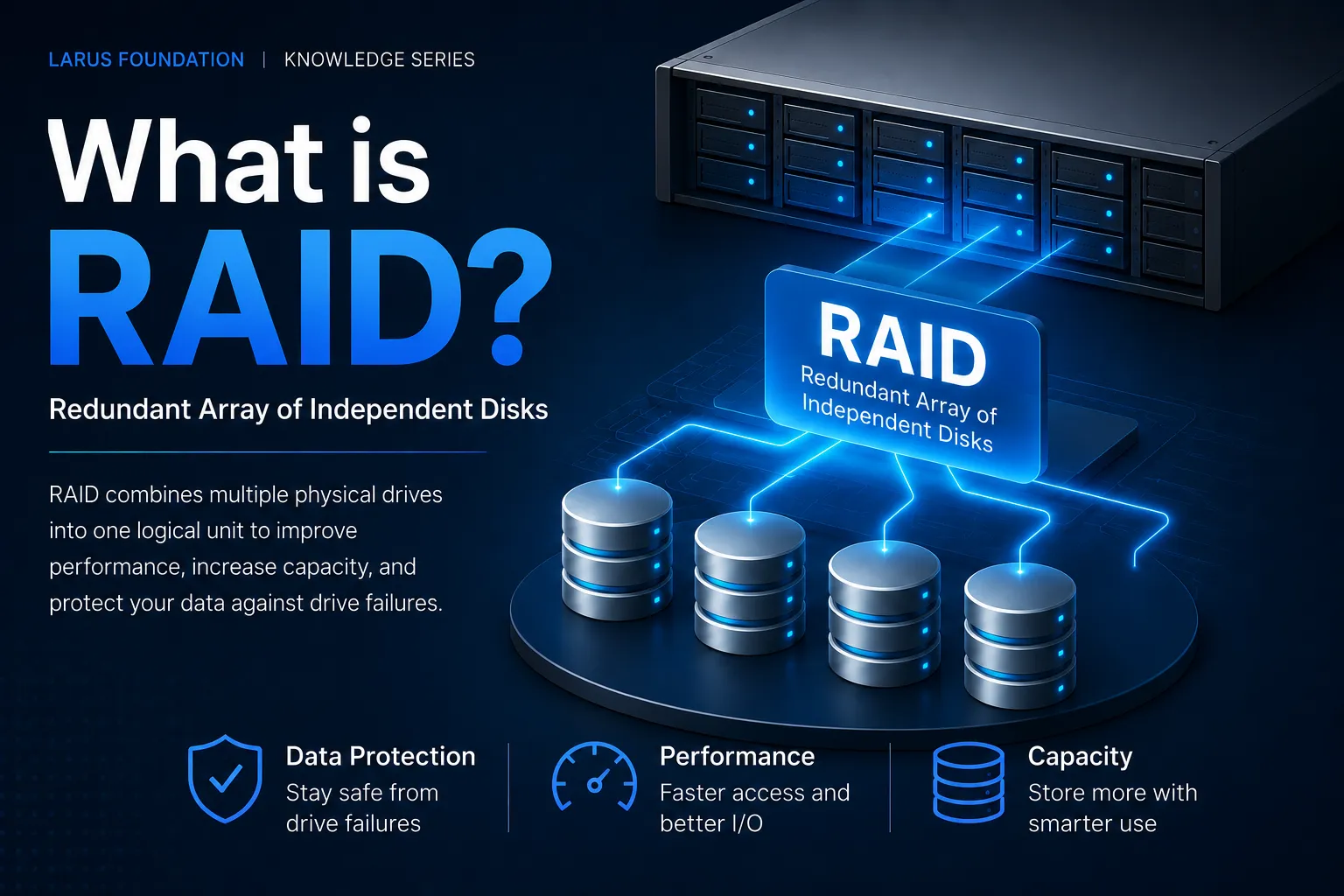
A single hard drive or SSD can hold terabytes of files, applications, backups and business information. But if an organisation stores everything on one physical drive, that drive can also become a single point of failure. This is one of the problems RAID is designed to address.
RAID is widely used in:
- Network Attached Storage (NAS)
- business file servers
- database servers
- virtualisation platforms
- data centres
- surveillance storage
- backup appliances
- private cloud infrastructure
But RAID is also widely misunderstood.
The most important misconception is simple:
RAID can provide redundancy, but RAID is not a backup.
Understanding that distinction is essential before deciding which RAID configuration is appropriate.
What Is RAID?
RAID stands for Redundant Array of Independent Disks.
RAID combines multiple physical storage devices—such as HDDs, SSDs or NVMe drives—into an array that the operating system can treat as one logical storage unit.
Red Hat describes RAID as a way of combining multiple drives to achieve performance or redundancy goals that may not be possible with one individual drive. RAID can use techniques such as striping, mirroring and parity depending on the selected level.
For example, imagine a server with four physical drives.
Without RAID:
Drive 1 → Files A
Drive 2 → Files B
Drive 3 → Files C
Drive 4 → Files D
Each disk operates independently.
With RAID, those four disks can be combined:
Drive 1 + Drive 2 + Drive 3 + Drive 4 → One RAID array
How the data is stored across those drives depends on the RAID level.
Why Is RAID Important?
RAID matters because physical storage devices eventually fail.
Hard drives contain mechanical components, while SSDs rely on flash memory with finite write endurance. Controllers, power systems and other hardware can also fail.
If an organisation depends on one storage device, the failure path is straightforward:
Single disk fails → storage becomes unavailable → data or service may be lost
RAID can change that failure path:
Disk fails → RAID continues operating using remaining disks → failed disk is replaced → array is rebuilt
This does not mean RAID eliminates risk. Instead, it can reduce the likelihood that one disk failure immediately becomes a service outage or data-loss event. That makes RAID particularly important where storage supports ongoing operations. Where RAID Is Commonly Important
| Environment | Why RAID matters |
|---|---|
| NAS | Keeps shared files accessible after certain disk failures |
| File server | Reduces single-drive failure risk |
| Database server | Supports availability and storage performance |
| Virtualisation host | Many virtual machines may depend on the same storage |
| CCTV system | Large amounts of continuously written footage |
| Backup server | Protects local backup storage from a single disk failure |
| Data centre | Storage availability directly affects production services |
The exact benefits depend on the RAID level chosen.
How Does RAID Work?
Most common RAID configurations rely on three fundamental concepts:
- Striping
- Mirroring
- Parity
IBM similarly describes mirroring, striping and fault-tolerance mechanisms as key RAID concepts. Understanding these three ideas makes the different RAID levels much easier to understand.
What Is Disk Striping?
Striping means breaking data into pieces and distributing those pieces across multiple drives.
For example:
File: ABCD
could be written as:
| Disk 1 | Disk 2 |
| A | B |
| C | D |
Both drives can potentially read or write parts of the data at the same time.
That can increase performance.
This is the core concept behind RAID 0.
However, striping by itself does not create redundancy.
If one drive contains part of every file and that drive fails, the entire array may become unusable.
What Is Disk Mirroring?
Mirroring means writing the same data to multiple drives.
For example:
| Disk 1 | Disk 2 |
| File A | File A |
| File B | File B |
| File C | File C |
If Disk 1 fails, Disk 2 still contains another copy.
This is the basic idea behind RAID 1.
The disadvantage is storage efficiency.
Two 4 TB drives in RAID 1 normally provide approximately:
4 TB usable capacity
rather than:
8 TB usable capacity
because the second drive contains a mirror of the first.
What Is RAID Parity?
Parity is a technique that stores additional information that can be used to reconstruct missing data if a drive fails.
Instead of storing a complete second copy of everything, the RAID array distributes data and parity information across multiple drives.
This is commonly used in:
- RAID 5
- RAID 6
Parity provides better capacity efficiency than full mirroring, although rebuilding a failed array can take time and place significant load on the remaining drives.
RAID Levels Explained
The word level can make RAID sound like RAID 6 is simply an upgraded version of RAID 5 or RAID 1.
That is not really how RAID works. Each RAID level represents a different method of arranging data, redundancy and capacity.
Red Hat notes that RAID levels have different strengths and trade-offs rather than forming a simple linear progression.
The most commonly discussed RAID configurations are:
- RAID 0
- RAID 1
- RAID 5
- RAID 6
- RAID 10
RAID 0 vs RAID 1 vs RAID 5 vs RAID 6 vs RAID 10
RAID levels use different combinations of striping, mirroring and parity to balance performance, usable capacity and fault tolerance.
There is no single RAID level that is best for every situation. RAID 0 focuses on performance without redundancy, while RAID 1 uses mirroring. RAID 5 and RAID 6 use parity to provide fault tolerance with better capacity efficiency, and RAID 10 combines mirroring and striping for both performance and redundancy.
The differences are easiest to understand in one table.
| RAID | Method | Min disks | Typical failure tolerance | Capacity efficiency | Main advantage | Main disadvantage |
| RAID 0 | Striping | 2 | 0 | Very high | Speed | No redundancy |
| RAID 1 | Mirroring | 2 | 1 in two-disk mirror | ~50% | Simple protection | Half capacity used for mirror |
| RAID 5 | Striping + parity | 3 | 1 | Good | Capacity + redundancy | One-drive tolerance |
| RAID 6 | Striping + double parity | 4 | 2 | Moderate | Stronger redundancy | More capacity/parity overhead |
| RAID 10 | Mirroring + striping | 4 | Depends on which disks fail | ~50% | Performance + redundancy | Higher disk requirement |
For example, with four 8 TB drives, the raw capacity is 32 TB. RAID 5 would provide roughly 24 TB of usable capacity, RAID 6 around 16 TB, and RAID 10 around 16 TB before filesystem and system overhead.
The right RAID level depends on the workload, number and size of drives, required performance, acceptable downtime and how much storage capacity an organisation is willing to dedicate to redundancy.
Most importantly, even a highly redundant RAID configuration should still be combined with an independent backup strategy.
RAID vs Backup
| RAID | Backup |
| Improves storage availability | Creates a separate copy of data |
| Often operates continuously | Usually versioned or scheduled |
| Protects against some drive failures | Protects against broader data-loss events |
| Same storage system | Ideally separate system/location |
| Deleted files are usually deleted across array | Older version may remain recoverable |
| Ransomware can affect RAID data | Offline/isolated backup may survive |
The strongest storage strategy often uses both.
Final Thoughts
RAID solves a simple but important infrastructure problem:
What happens when a physical storage drive fails?
By combining multiple disks using striping, mirroring, parity or a combination of these techniques, RAID can improve storage performance and reduce the risk that one failed disk immediately takes an entire storage system offline. But RAID should never be confused with complete data protection.
A resilient storage architecture considers several separate layers:
RAID → availability
Backup → recovery
Replication → secondary availability
Network → accessibility
Security → protection
Disaster recovery → continuity
This distinction becomes particularly important for NAS systems and business servers, where storage is not simply holding files—it is supporting people, applications and services that may need to remain available every day. RAID is therefore important not because it guarantees that data can never be lost, but because it removes one common hardware failure from becoming an immediate operational crisis.
For organisations building shared network storage, understanding RAID is only one part of the architecture. The next question is how that storage connects to users and networks. For that, see What Is NAS? Network Attached Storage and How It Reaches the Internet.
Frequently Asked Questions
1. What does RAID stand for?
RAID stands for Redundant Array of Independent Disks. It combines multiple physical storage devices into one logical storage system to improve performance, redundancy or both.
2. What is RAID used for?
RAID is commonly used in NAS devices, servers, data centres, databases, virtualisation systems and other environments where storage availability or performance is important.
3. Is RAID a backup?
No. RAID can protect against certain physical disk failures, but it does not inherently protect against accidental deletion, ransomware, corruption, theft or site-level disasters. IBM explicitly notes that RAID should not be considered a backup solution.
4. Which RAID is safest?
There is no universally safest RAID. RAID 6 can tolerate two disk failures, while RAID 10 offers strong redundancy and performance characteristics. The appropriate choice depends on the workload, number of disks, capacity requirements and recovery strategy. Even a highly redundant RAID array still requires backups.
5. What is the difference between RAID 5 and RAID 6?
RAID 5 normally provides tolerance for one drive failure and uses one drive's equivalent capacity for parity. RAID 6 uses additional parity and can normally tolerate two drive failures, but has lower usable capacity and additional write overhead.
6. What is the difference between RAID 0 and RAID 1?
RAID 0 stripes data across multiple drives for performance and capacity but provides no redundancy. RAID 1 mirrors data between drives, providing redundancy but reducing usable capacity.
7. What is RAID 10?
RAID 10 combines RAID 1 mirroring with RAID 0 striping. It is commonly used when both performance and redundancy are important.
8. Does a NAS need RAID?
A NAS can technically operate without RAID, but redundant RAID configurations are common because NAS systems often store shared or business-critical information. The appropriate design depends on how important the data is and whether downtime can be tolerated.
9. Can RAID protect against ransomware?
No. If ransomware has permission to modify files stored on the RAID array, the RAID system will normally store those encrypted changes just like legitimate file changes.
Independent, protected and preferably versioned backups are needed for ransomware recovery.
10. Can RAID recover a deleted file?
Normally not by itself. RAID mirrors or reconstructs the current state of the data. If a user deletes a file, that deletion becomes part of the current state. Recovering previous versions requires backup, snapshots or another versioning mechanism.