
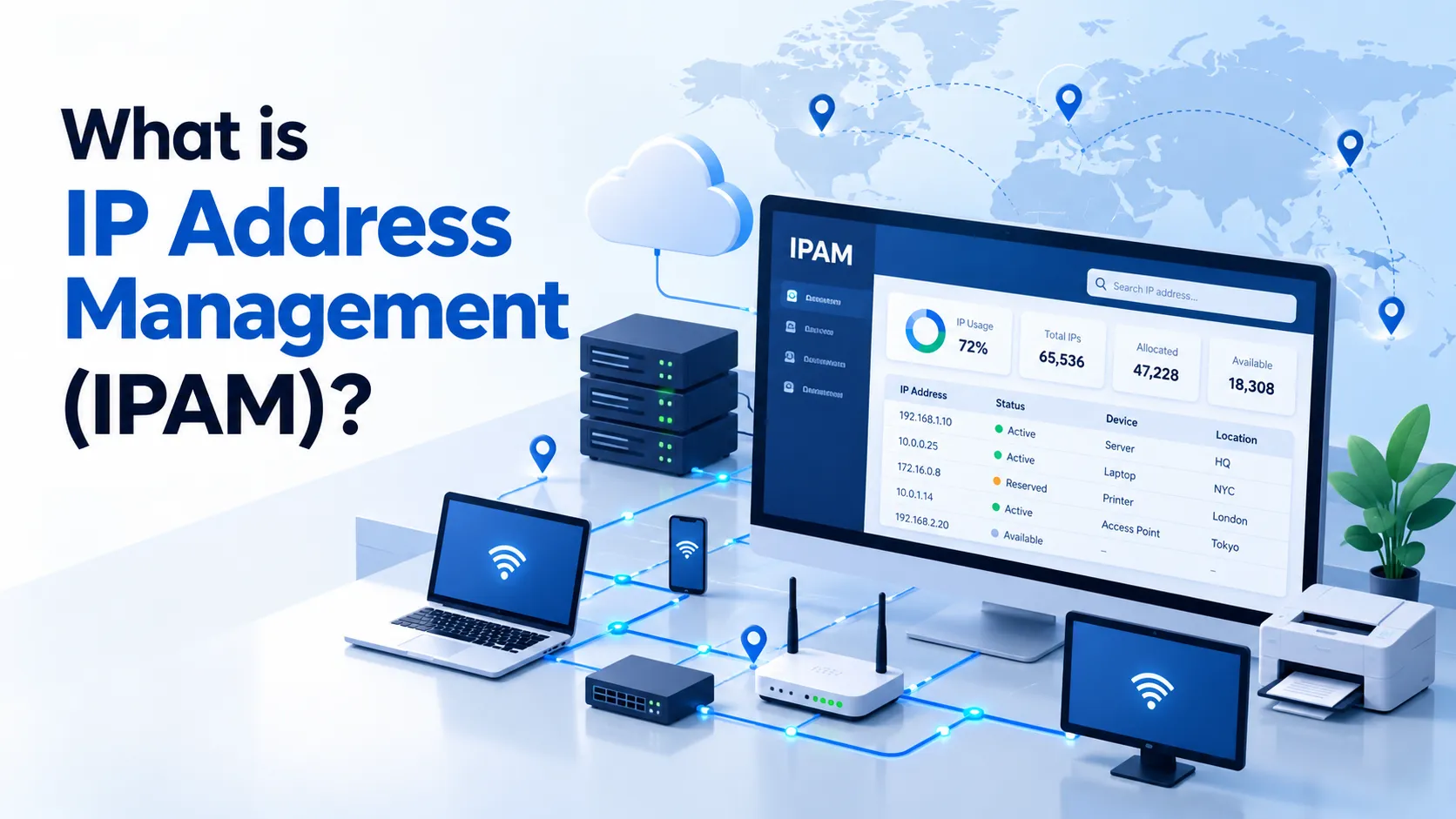
IP address management (IPAM) is the process of planning, recording and monitoring how IP addresses are used across a network. It helps network teams identify which addresses are assigned, which are available, and which devices or services depend on them.
IPAM answers practical questions: Can this server use the proposed address? Is a subnet running out of capacity? Which system was using an address when a security alert occurred?
As networks grow across offices, data centres and cloud environments, maintaining those answers becomes harder. IPAM provides a structured way to keep address records aligned with network operations.
What Does IPAM Do?
IPAM combines an address inventory with processes for allocating, reviewing and releasing addresses. Software can automate parts of this work, although capabilities vary between products.
Typical functions include:
- Recording address blocks, subnets and individual assignments.
- Tracking available, allocated and reserved address space.
- Associating addresses with devices, services and responsible teams.
- Integrating with supported DHCP, DNS or cloud systems.
- Recording changes and helping identify inconsistent assignments.
For example, Microsoft describes Windows Server IPAM as a suite for planning, managing and monitoring IP address infrastructure, with central management of supported network services. Microsoft Learn: IP Address Management
For background on how address space is distributed, see our guide to IP allocation.
IPAM vs DHCP vs DNS: What Is the Difference?
IPAM, DHCP and DNS have related but distinct roles.
| System | Main role | Example |
|---|---|---|
| IPAM | Plans and records address use | Records which subnet belongs to an office and which addresses are reserved |
| DHCP | Provides devices with IP configuration, often through time-limited leases | Gives a laptop an address, default gateway and DNS server settings |
| DNS | Provides information associated with domain names, including address records | Resolves an application’s hostname to an IP address |
DHCP manages address allocation and configuration for participating clients. Its lease records do not necessarily describe every statically configured device or every network in an organisation. RFC 2131: Dynamic Host Configuration Protocol
IPAM brings address information into a broader management process. A product may integrate these functions in one platform, often described as DNS, DHCP and IPAM, or DDI. The underlying functions remain different.
For example, adding an address to an IPAM inventory does not automatically configure a device or create a DNS record unless the relevant integration and workflow are enabled.
Read our introductions to DNS and DHCP for more detail.
How Does IP Address Management Work?
A useful IPAM workflow follows the address lifecycle: discover, plan, assign, reconcile and release.
Discover existing address use
Start by collecting subnet plans, DHCP scopes, static assignments and cloud network records. Compare those sources with observed network activity where appropriate.
Treat imported information as something to verify. An old spreadsheet or incomplete integration can carry inaccurate records into a new system.
Organise address space
Group addresses by a structure that reflects the network: site, environment, business unit or routing domain.
Cloud implementations illustrate this approach. Amazon VPC IPAM uses scopes, pools and allocations to organise address space. Separate scopes can represent unconnected networks that legitimately reuse the same private ranges. AWS: How IPAM Works
Record assignments and responsibility
Each allocation should have enough context for another administrator to understand its purpose.
The following is an illustrative office inventory, not a production configuration:
| Address or range | Intended use | Assignment method | Responsible team |
|---|---|---|---|
10.20.30.1 | Office gateway | Static | Network operations |
10.20.30.20 | Shared printer | DHCP reservation | IT support |
10.20.30.50–10.20.30.199 | Staff devices | Dynamic DHCP pool | IT support |
10.20.30.200–10.20.30.219 | Planned expansion | Held outside the dynamic pool | Network operations |
A useful record also includes the subnet, site or routing context, hostname where relevant, assignment status, last verification time and related change reference.
The context matters: an address such as 10.20.30.20 may exist in several isolated networks.
Reconcile records with reality
Compare planned assignments with DHCP leases, supported discovery sources and cloud inventories. Investigate differences rather than assuming one source is always correct.
For example, a device might be active but absent from the inventory, or an address might remain recorded against a retired server.
Release addresses carefully
Before reassigning an address, confirm that the previous service has been retired and that relevant dependencies have been checked.
Those dependencies may include DNS records, firewall rules, monitoring systems and access lists. A device failing to respond to a probe does not by itself prove that its address is available.
How IPAM Helps Reduce Network Problems
Duplicate IP addresses
Consider a printer manually configured with 10.20.30.80 while that address also falls inside a laptop DHCP pool. The configuration creates a risk that two devices will attempt to use the same address.
A coordinated inventory and allocation process can expose the overlap before deployment. After a problem occurs, address records can help administrators compare intended assignments with actual device configuration.
IPAM does not guarantee that conflicts cannot happen. Devices can be configured outside the approved process, and discovery can be incomplete. IPv4 address conflict detection also operates at the device and local-network level, as described in RFC 5227.
Overlapping subnets
Two isolated offices may both use 10.20.30.0/24 without an immediate problem. Connecting those offices can create routing ambiguity.
Reviewing the combined address plan before connecting networks can reveal this issue early. AWS similarly advises checking for overlapping ranges when planning connectivity between VPCs and existing networks. AWS: Plan Your VPC
Capacity shortages
Address capacity needs a clear definition. A subnet allocated to a project is different from an individual address actively used by a device.
Cloud IPAM tools may report utilisation at different levels. For example, a VPC metric can describe how much of its address space is allocated to subnets rather than how many hosts are active. Check the metric before making capacity decisions. AWS: Monitor CIDR Usage by Resource
How IPAM Supports Cybersecurity Investigations
IPAM can provide context for an investigation by helping teams connect an address with a recorded device, service or responsible group.
Suppose a security alert reports suspicious traffic from an internal address at 10:15. The useful question is: Which system was using that address at that time?
Depending on available integrations and retention, investigators may need to combine address records with DHCP lease history, authentication events and endpoint logs. Microsoft documents IP address tracking and auditing as part of its Windows Server IPAM capabilities. Microsoft: IPAM Overview
An assignment record is evidence to examine, not proof of who performed an action. Shared systems, address reassignment and NAT can complicate attribution. A current inventory entry may not describe the device that used the address yesterday.
The IPAM system itself also needs protection. Limit administrative access, review changes and protect backups. Address records can reveal sensitive details about internal infrastructure.
IPAM does not replace firewalls, endpoint protection, network monitoring or incident response.
IPAM, IP Registration and IP Reputation
These activities answer different questions:
| Activity | Question it helps answer |
|---|---|
| IPAM | How are addresses organised and used within our networks? |
| IP registration | What information is recorded about a public address resource and its contacts? |
| IP reputation monitoring | How do external services assess activity associated with an address? |
Maintaining an internal IPAM record does not itself update an external registry record or remove an address from a blocklist.
For public address deployments, teams may need to coordinate all three activities. Internal records should reflect the operational deployment, while external registration and reputation checks follow their own processes.
See our guides to IP address registration and IP address reputation.
When Should You Use IPAM Software?
A carefully maintained spreadsheet may be sufficient for a small, stable network with few administrators and infrequent changes.
Dedicated software becomes more useful when:
- Several teams allocate addresses.
- Networks span multiple sites or cloud accounts.
- Assignments change frequently.
- Administrators struggle to trace historical use.
- Address overlaps or inconsistent records recur.
- Provisioning needs to integrate with an approved workflow.
Amazon VPC IPAM, for example, supports planning, tracking and monitoring address use across AWS workloads. This illustrates the value of choosing a tool that fits the environment being managed. AWS: What Is IPAM?
When assessing tools, check supported platforms, IPv4 and IPv6 coverage, history retention, access controls, export options and integration behaviour. Distinguish read-only discovery from features that can change live configuration.
Practical IPAM Best Practices
- Give each range a responsible team. Someone should maintain its records and resolve discrepancies.
- Record network context. Include the site, account or routing domain alongside the address.
- Separate dynamic pools from other assignments. Keep DHCP reservations and manually configured addresses consistent with the allocation plan.
- Track intended and observed use. Investigate differences rather than silently overwriting them.
- Keep useful change history. Record when assignments changed and why.
- Review before connecting networks. Check address plans during cloud connections, mergers and site expansion.
- Verify before reuse. Confirm that the former service and relevant dependencies have been retired.
- Protect and back up the inventory. Address-management records are operational infrastructure.
Conclusion
IP address management helps network teams maintain a reliable view of address space, assignments and capacity.
Its value comes from accurate records and consistent workflows. Integrated tools can make those workflows easier, but teams still need to verify discrepancies, manage changes and understand the limits of the data.
Effective IPAM supports network continuity by making it easier to understand what an address is used for, who is responsible for it and what may be affected when it changes.
Frequently Asked Questions
1. What does IPAM stand for?
IPAM stands for IP address management: the planning, recording and monitoring of IP address use across networks.
2. Is IPAM the same as DHCP?
No. DHCP provides address configuration to clients. IPAM maintains a broader view of address space and assignments, including information outside individual DHCP scopes.
3. Can IPAM prevent every IP address conflict?
No. It can reduce the risk through coordinated allocation and checks. Conflicts remain possible when devices are configured outside those workflows or records are incomplete.
4. Does IPAM support IPv6?
Many tools support both IPv4 and IPv6. Check the specific product’s discovery, planning and integration capabilities.
5. Can IPAM identify the person behind an IP address?
An address record alone cannot establish personal identity. Investigations may require historical leases, authentication records, endpoint evidence and other context.
6. Do small organisations need dedicated IPAM software?
Not always. The decision depends on network complexity, change frequency and the number of people managing addresses.
References
- Microsoft Learn — IP Address Management
- Microsoft Learn — IPAM Overview
- AWS — What Is IPAM?
- AWS — How IPAM Works
- AWS — Monitor CIDR Usage by Resource
- AWS — Plan Your VPC
- RFC 2131 — Dynamic Host Configuration Protocol
- RFC 5227 — IPv4 Address Conflict Detection