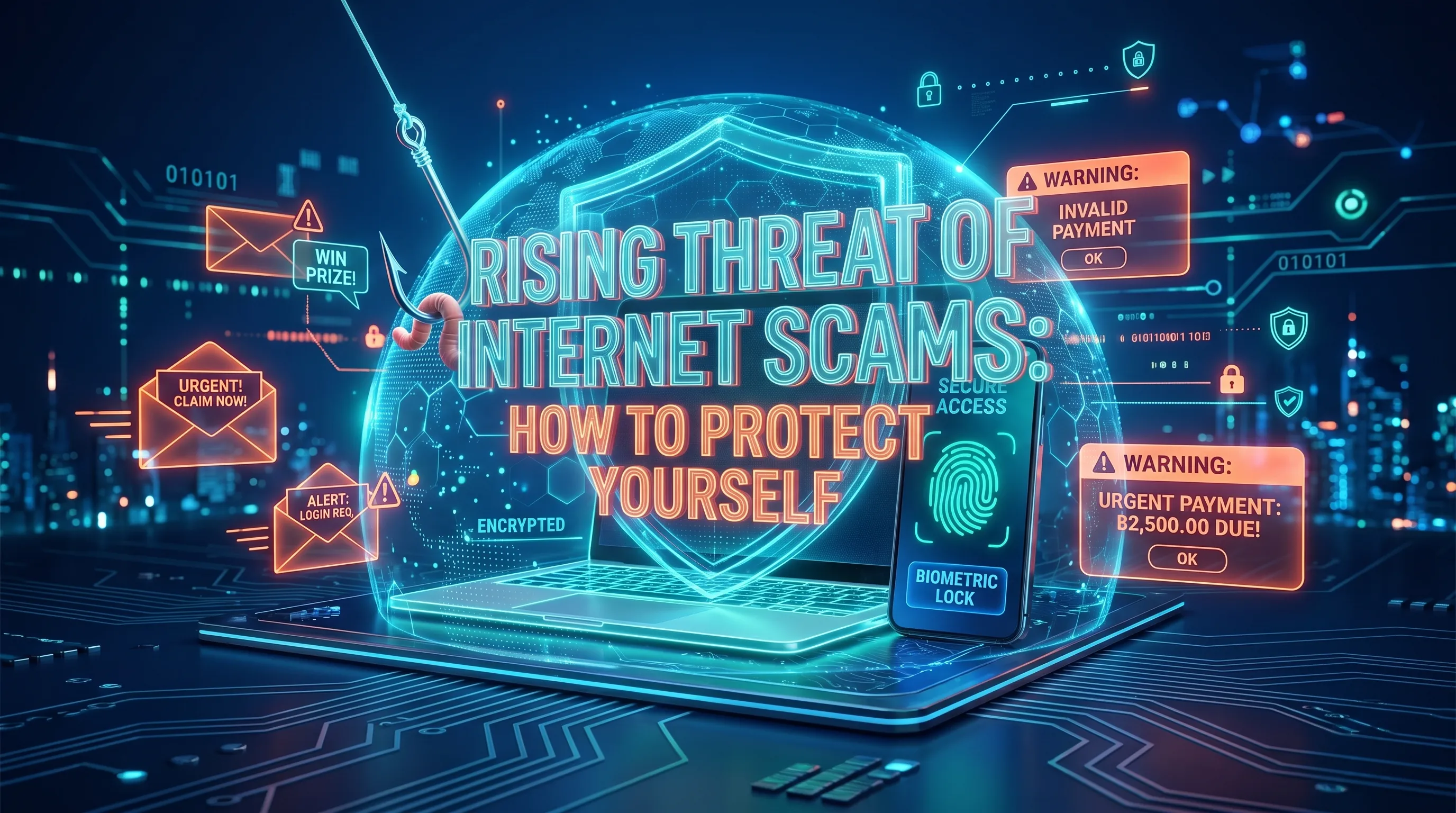
The Internet has made it easier to communicate, shop, bank, invest, and access information, but the same tools are also used by scammers to deceive people into revealing personal information, transferring money, or giving attackers access to online accounts.
Internet scams can begin with an unexpected email, text message, social media message, advertisement, phone call, or fraudulent website. Some scams are easy to recognize, while others use impersonation, urgency, emotional pressure, or increasingly convincing digital content to appear legitimate.
The scale of the problem is significant. According to the FBI's Internet Crime Complaint Center (IC3), more than 1 million internet crime complaints were reported in 2025, involving approximately US$20.9 billion in reported losses.
Understanding how common internet scams work—and knowing what to do before responding can significantly reduce your risk.
What is an Internet Scam?
An internet scam is any attempt to deceive individuals through online platforms to extract personal or financial information or to manipulate users into taking actions that benefit the scammer. These scams can take many forms, including fraudulent emails, websites, ads, and even messages on social media.
Common Types of Internet Scams
1. Phishing Attacks
Phishing is one of the most prevalent Internet scams. It involves cybercriminals sending fake emails, texts, or messages that appear to come from reputable sources like banks, tech companies, or even friends. These messages typically contain links to fraudulent websites where users are tricked into providing sensitive information, such as passwords or credit card details.
- How to protect yourself: Always verify the sender’s email address, look for grammatical errors in the message, and avoid clicking on suspicious links. When in doubt, visit the company’s official website directly.
2. Online Shopping Scams
With the rise of e-commerce, online shopping scams have become increasingly common. Scammers set up fake online stores that offer heavily discounted products. Once the payment is made, the buyer either receives a counterfeit item or nothing at all.
- How to protect yourself: Always research the seller before making a purchase. Look for reviews, and if the deal seems too good to be true, it probably is.
3. Investment and Cryptocurrency Scams
Many scammers lure victims with promises of quick wealth through fake investment opportunities or cryptocurrency schemes. These often involve high-pressure tactics, convincing users to invest large sums of money in what turns out to be a non-existent or failing venture.
- How to protect yourself: Be skeptical of unsolicited investment opportunities, especially those that guarantee high returns. Consult with a trusted financial advisor before making any investments.
4. Romance Scams
Romance scams are especially devastating, as they prey on people’s emotions. Cybercriminals create fake profiles on dating websites or social media platforms, establish trust over time, and eventually convince the victim to send money for various fabricated reasons (e.g., medical emergencies or travel expenses).
- How to protect yourself: Be cautious when forming relationships online, especially if the other person asks for money or personal information. Never send money to someone you haven’t met in person.
5. Tech Support Scams
In tech support scams, fraudsters pose as legitimate technical support agents from well-known companies like Microsoft or Apple. They claim that the victim’s computer is infected with malware and offer to "fix" the problem for a fee, often convincing victims to give them remote access to their devices.
- How to protect yourself: Legitimate companies will never cold-call you to offer technical support. If you encounter such a message or call, hang up and contact the company directly through their official support channels.
How to Protect Yourself from Internet Scams
- Use Strong, Unique PasswordsMany internet scams rely on compromised passwords. Create strong passwords that include a mix of letters, numbers, and symbols, and avoid using the same password for multiple accounts.
- Enable Two-Factor Authentication (2FA) Two-factor authentication provides an additional layer of security by requiring not only your password but also a second form of identification (e.g., a text message or authentication app) when logging into your account.
- Regularly Update Software and Antivirus ProgramsOutdated software can have vulnerabilities that scammers exploit. Ensure your operating system, browser, and antivirus software are updated regularly to protect against the latest threats.
- Be Skeptical of Unsolicited Emails or MessagesIf you receive an unexpected email or message that asks for personal information, payment, or action, take a moment to verify its authenticity. Scammers often create a sense of urgency to pressure victims into making hasty decisions.
- Monitor Financial Accounts RegularlyKeep an eye on your bank accounts and credit card statements for any suspicious activity. If you spot any unauthorized charges, report them immediately.
- Educate Yourself and Stay InformedNew scams are constantly emerging, and staying informed is key to protecting yourself. Regularly read articles on internet safety, and if possible, participate in online security courses or webinars to enhance your awareness.
What Should You Do If You Think You Have Been Scammed?
Act quickly if you believe you have sent money, disclosed a password, clicked a malicious link, or provided sensitive information to a scammer.
- Stop communicating with the suspected scammer.
- Contact your bank or payment provider immediately if money or financial information is involved.
- Change affected passwords, particularly if you reused the same password elsewhere.
- Enable multi-factor authentication on important accounts where available.
- Review account activity for unauthorized logins, transactions, or changes.
- Contact the legitimate organization directly if the scam involved impersonation of a bank, government agency, online platform, or company.
- Preserve evidence, including emails, messages, transaction records, usernames, phone numbers, and screenshots.
- Report the incident to the appropriate platform and relevant authorities in your country.
Taking action quickly cannot guarantee that money or information will be recovered, but it may help limit further damage.
Staying Safer from Internet Scams
Internet scams continue to evolve alongside the technologies people use every day. Rather than relying on one warning sign, develop the habit of independently verifying unexpected requests, protecting important accounts, and slowing down when someone pressures you to act immediately.
Strong passwords, multi-factor authentication, updated software, careful verification, and regular account monitoring can reduce your exposure to many common scams.
Most importantly, treat unexpected requests for money, passwords, verification codes, financial information, or remote access with caution. Taking a few minutes to verify a request can prevent a much larger problem later.
Frequently Asked Questions
1. What is an internet scam?
An internet scam is a fraudulent scheme that uses websites, email, messaging apps, social media, online advertisements, or other digital services to deceive people. Scammers may attempt to steal money, passwords, financial information, personal data, or access to online accounts.
2. What are the most common types of internet scams?
Common internet scams include phishing, online shopping scams, investment and cryptocurrency scams, romance scams, impersonation scams, fake job offers, and tech support scams. The methods continue to change, but many rely on urgency, trust, fear, or promises of financial gain.
3. How can I tell if an online message is a scam?
Warning signs include unexpected requests for money or personal information, pressure to act immediately, suspicious links, requests for passwords or verification codes, unusual payment methods, and offers that appear unrealistically profitable. When uncertain, contact the organization independently through an official channel.
4. What should I do if I clicked a suspicious link?
Do not provide additional information. Close the page and, if you entered a password, change it immediately from the legitimate website or app. Review the affected account for suspicious activity and enable multi-factor authentication where possible. If financial information was exposed, contact your bank or payment provider.
5. Does two-factor authentication protect against internet scams?
Two-factor or multi-factor authentication can make account takeover more difficult even if a password is compromised. However, it does not prevent every scam. Never give an authentication code or approve an unexpected login request simply because someone asks you to do so.
6. Where should internet scams be reported?
Report scams to the website, social network, messaging service, marketplace, financial institution, or other platform involved. If money, identity theft, or serious fraud is involved, also contact the relevant law-enforcement, consumer-protection, or cybercrime reporting authority in your country.